
Contents
Before you start
Tools required
Remove bean cooler fan
Replace the inlet sensor
Reinstall the bean cooler fan
Finish up
Before you start
 DISCLAIMER
The information in this document is believed to be accurate and reliable. However, the manufacturer does not give any representations or warranties, expressed or implied, as to the accuracy or completeness of such information and shall have no liability for the consequences of the use of such information. The manufacturer is not liable or responsible for any problems arising from the attempted repair. The manufacturer reserves the right to make changes to information published in this document, including without limitation specifications and product descriptions, at any time and without notice. The manufacturer's products are not designed, authorized, or warranted to be suitable for use in applications where failure or malfunction can reasonably be expected to result in personal injury, death, or severe property or environmental damage. The manufacturer accepts no liability for inclusion and/or use of its products in such equipment or applications and therefore such inclusion and/or use is for the customer’s own risk.
SAFETY INSTRUCTIONS
-
Make sure the roaster is turned off before starting any maintenance work.
-
The power cord must be unplugged or the roaster fully isolated from the electrical supply before removing any panels.
-
Read the instructions in full before starting work, and follow the steps as instructed below
Tools required
- 2.5 mm hex key
- 3 mm hex key
- Wire cutter
- Small screwdriver or other pointed tool
- 8 mm spanner
- Cable ties
Remove bean cooler fan
Remove the rear panel and left-hand side panel
See instructions here.
Remove bean cooler fan
See instructions here
Replace the inlet sensor
Identify which sensor is faulty
On the touchscreen, tap on the gear icon to enter the settings menu. Tap on ‘Troubleshooting’ and then ‘Debug Sensor View’ to identify which temperature sensor is showing an incorrect reading (or no reading).
For example, in this image there is no reading from the sensor called "Inlet sensor long (TC6)".
Locate and disconnect the faulty sensor
Looking at the rear of the machine, the control board is the printed circuit board (PCB) to the left. The thermocouples are connected to the terminals along the right-hand side of this board.
Locate the terminal that the faulty inlet sensor is connected to (in our example, it is the one marked TC6). Disconnect the wires from the terminal using a small flat-head screwdriver.
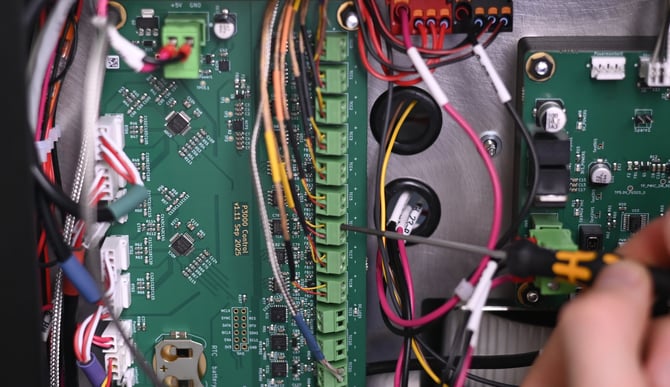
Pull the sensor cable out through the chassis and follow it to where the temperature sensor is installed.
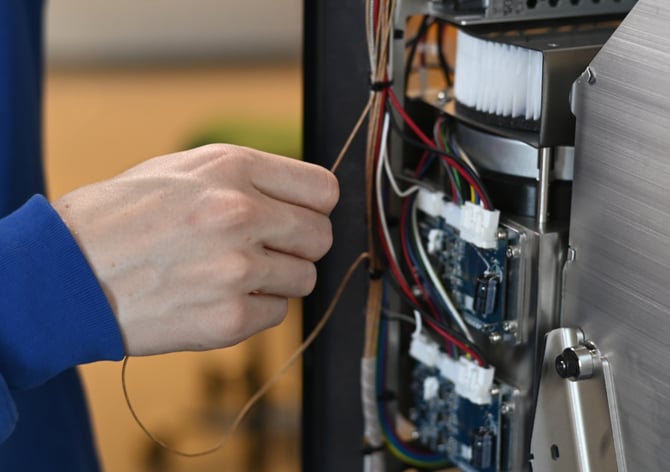
Cut cable ties where necessary to free the cable, taking care not to cut or nick any other wires.
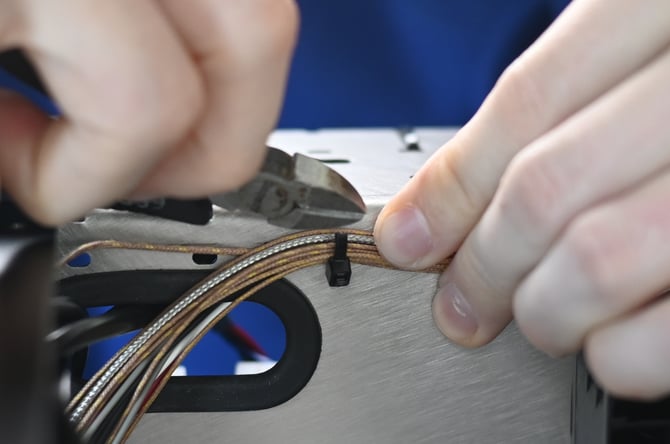
Remove the spiral cable sleeve from the cable bundle.
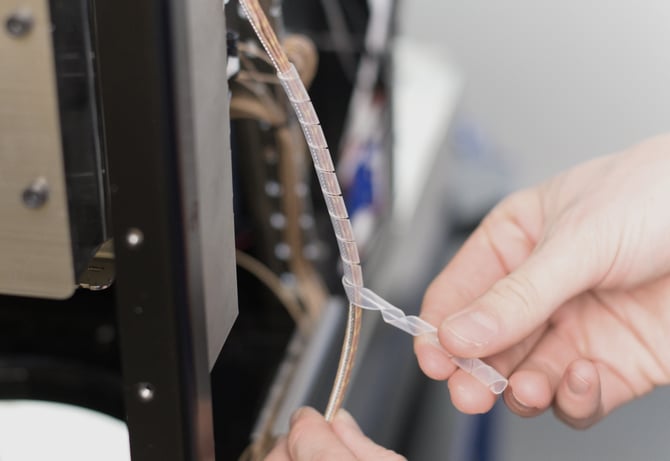
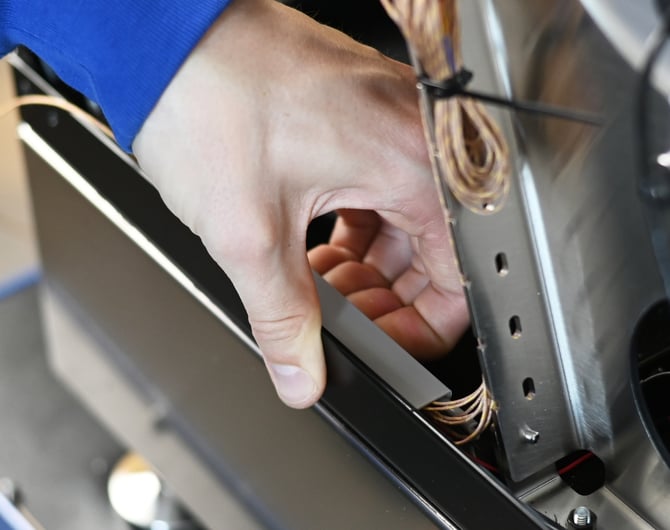
Open the cover of the cable duct to free the remaining cable. To loosen the cover, press inwards on the side of the duct and lift up the cover.
Remove the sensor
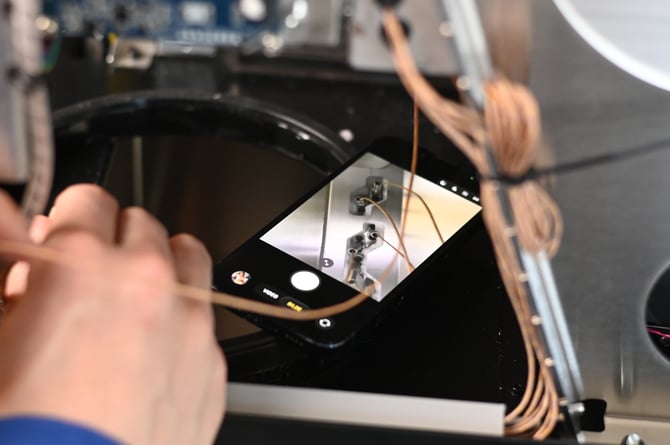
The inlet temperature sensor is secured to the underside of the heater duct with two bolts. Remove these two bolts using a 3 mm hex key, then remove the temperature sensor. A phone camera or a mirror placed underneath the drum can be used to get a better view and verify the correct bolts are being loosened.
Install new sensor
The easiest way to find the correct position for the new sensor is to start by placing one bolt into the sensor mount and holding it in place with a 3 mm hex key.
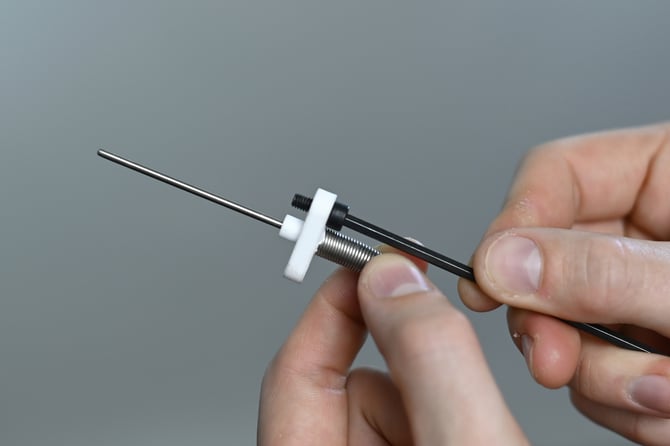
Put the sensor into position with one hand, and with the other hand use the hex key to locate the right threaded hole for the bolt. Fasten this bolt, then install and tighten the second bolt. A phone camera or mirror can assist with visibility.
Connect new sensor to PCB
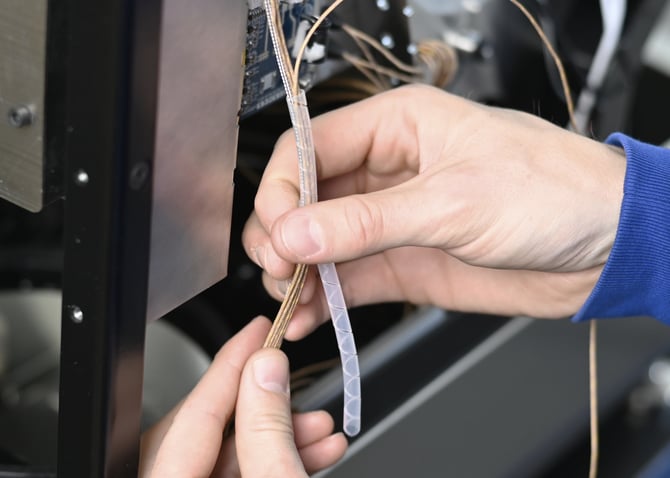
Route the cable back through the chassis to the terminal. Thread the cable back through any cable ties that were left uncut, and wrap the cable bundle back up in the spiral cable sleeve.
Reconnect the wires to the terminal block, using the small flat-head screwdriver to secure them in place. The yellow wire should connect to the positive terminal (marked +), while the red wire connects to the negative terminal (marked -).
Manage cable routing
Pull through any excess slack in the cable and tuck it away in the cable duct.
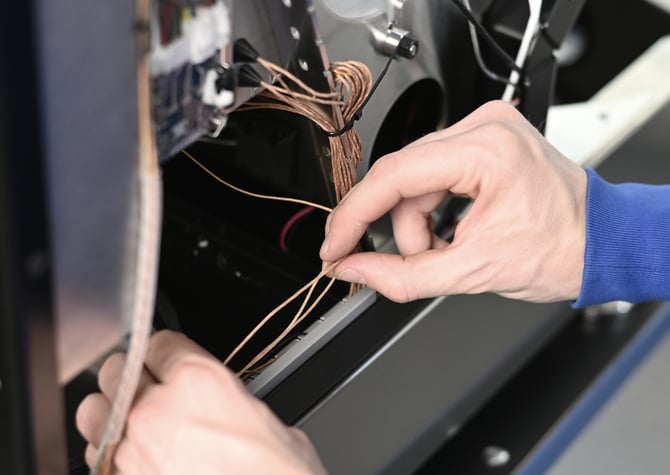
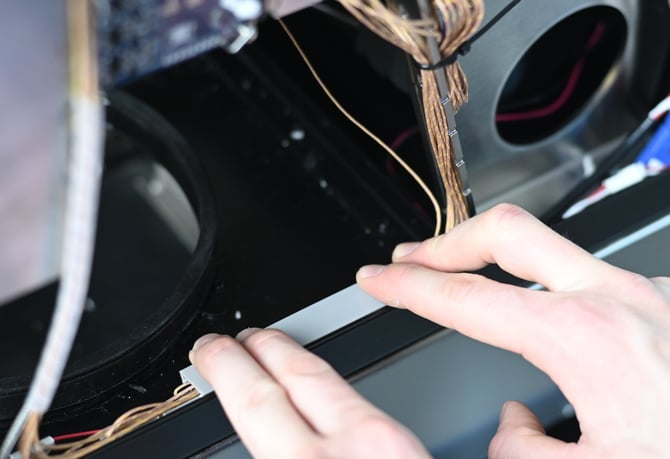
Press the duct cover back into place.
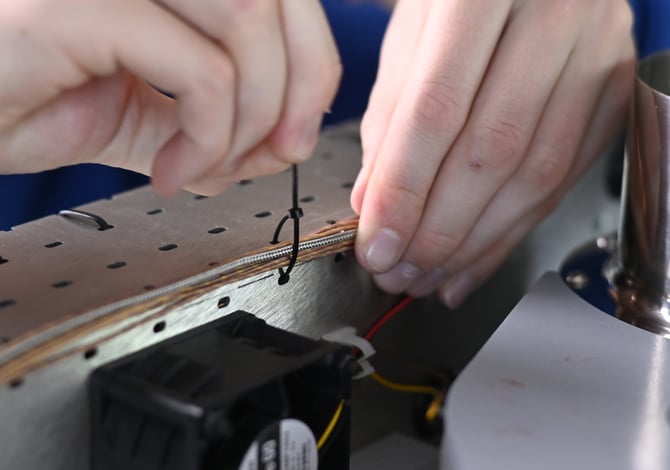
Replace any cable ties that were cut, to fasten the sensor cable back to the chassis .
Reinstall the bean cooler fan
See instructions here.
Finish up
Reinstall the back panel and reconnect the Wi-Fi aerial.
Once installation is complete, reconnect and switch on the roaster, and confirm the inlet sensor is working correctly. Tap on ‘Troubleshooting’ and then ‘Debug Sensor View’ to check the inlet sensor readings. Verify that the reading from the new sensor is similar to the readings from the other sensors.
If the reading looks correct at room temperature, try enabling the heaters on the roaster and check again to ensure that the reading is still correct when the roaster heats up. An onscreen error message will alert you if there is no reading from the sensor, or if the reading diverges significantly from the other sensors.